Latest by topics

Trending Articles

Coding Challenges

World Cup Data Analytics Tiny Interview

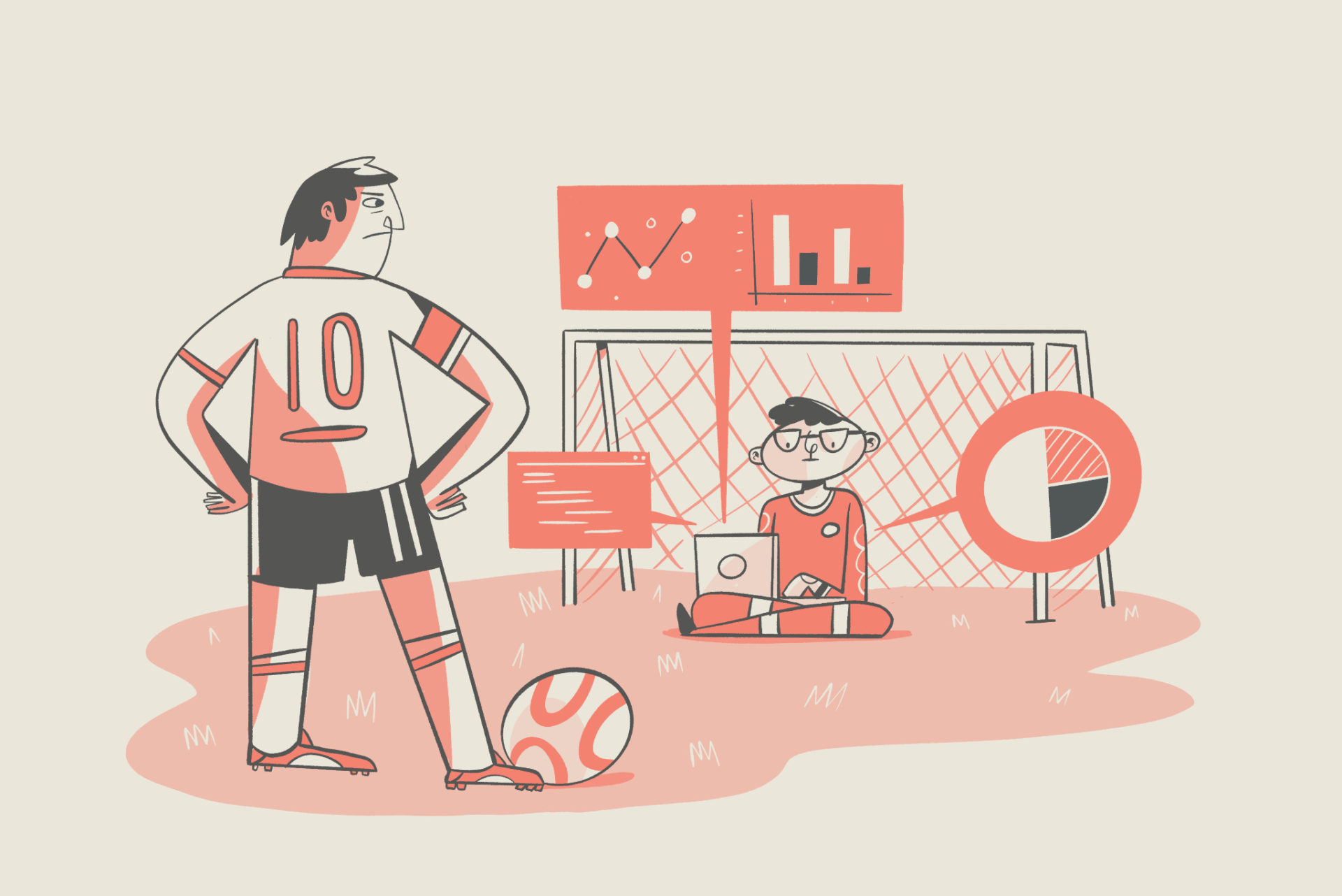
The FIFA World Cup is a global sporting event where national soccer teams compete to determine the world champion every four years! Use your data analytics knowledge to discover exciting world cup history facts like “which country received the most red cards per match on average” Follow the instructions in the sandbox below to get started and practice your data analytics skills! In this practice interview, you have three CSV files containing historical data of all FIFA World Cups between 1930 and 2014. To understand the contents of each file, we encourage you to explore the datasets in the Files tab or even use a library of your choice to visualize them.
Development

How To Create A Typewriter Effect In Vue

Typewriter effect is an animation that gives the impression that text is being typed on the screen one letter at a time, which can be a great way to grab a user’s attention. The typewriter effect can be created by using either CSS or JavaScript. Depending on the effect we want to create we will need to choose one over the other. When using only CSS, we don’t have access to the text used for the effect but with JavaScript, we do, which means JavaScript has more potential to create a more feature-rich typewriter effect. For example, JavaScript is the best option if we want to create a deleting-and-retyping effect like the one on CoderPad’s registration page :

Development

How to Test Python REST APIs

There are many types of tests, and they all seem great in theory, but how do we test a REST API? In order to do that, let’s first break down a REST API into parts, so we can focus on testing one part at a time. A REST API is an interface that accepts connections via the internet, executes some business logic, and then returns a result. Fundamentally, that means that an API has input, business logic, and output. The business logic should be tested using traditional unit test techniques . After that, what’s left is testing the input and output.

Development

Understanding the CSS Position Property and How It Works With Example

When using HTML to build web pages, elements are arranged after each other vertically by default. You will always want to add styling to either change your page’s layout or organize its elements so that elements can be positioned horizontally on your screen. This is possible with CSS flexbox and CSS grid . However, more is needed to create stunning web pages. The CSS position property fills in the blanks by allowing you to create an asymmetrical web page where you can place HTML elements wherever you want by detaching each element from the normal flow and other elements, making your web page more appealing and easy to navigate.

Coding Challenges

Code Challenge: World Cup SQL

The FIFA World Cup is a global sporting event where national soccer teams compete to determine the world champion every four years! Use your SQL knowledge to discover exciting world cup history facts like “which team has the largest world cup following in FIFA history?” Use the sandbox below to get started and practice your SQL skills! 💡 Warm up your SQL skills with this article on SQL functions and techniques every data person should know .

Interviewing

Example React Interview Questions

Looking to hire a React developer? Get in line… React developers are some of the most in-demand front-end developers. So what can you do to compete? Create a great interview experience! And one of the best ways to do that is to create technical interview questions that allow you to assess a candidate’s technical skills in a way that’s both fun and challenging to the candidate. Try using the example React interview questions below to create a creative, engaging interview experience.

Development

Demystifying The CSS Display Property

The web page treats and sees every element as a box(to be precise, a rectangular box). There are two basic forms of boxes on a web page, and these are block and inline . The display property is a significant CSS property that you can use to determine how elements are displayed in your browser. When you load a webpage in your browser, you will notice that the HTML elements on the page have their default ways of displaying. Some elements stack up on different lines, while others follow each other on one line. For example, all paragraph elements ( <p> ) stack up following each other on different lines, while the <a> elements, images, and others line up on a single line.

Development

Top 10 CSS Animation Libraries

For the longest time, developers were limited to Flash players and gifs when they wanted to display animations on a web page. However, the introduction of the keyframes, transition, and animation properties in CSS3 made it much easier to create and display abstract animations that appealed to the eye. The CSS3 update allows for creating animations and conditionally renders them for various pseudo-states. (i.e., hover, focus, etc.).

Development

How To Build A Web Application with TypeScript and Remix

Remix is a full-stack web framework that focuses on the user interface and works backwards through web standards to provide a quick, slick, and dependable user experience. It focuses on web standards and modern web app UX, allowing you to create better websites quickly. In addition, it can run anywhere because it is built on the Web Fetch API. Remix runs natively on Cloudflare Workers and includes support for both serverless and traditional Node.js environments. In addition, it was designed to address web applications’ page speed issues to provide a better user experience.

Hire with confidence.

See why engineering teams trust CoderPad to evaluate developers with realistic, AI-ready hiring workflows.

Request a demo